
Note: This article only applies to customers using our Managed Wordpress Backups service
If you are running low on backup space, please follow the steps below to move to a plan with a higher quota.
1. Log into your D9 Client area and click on the "View Details" button next to your Managed Wordpress Backup service.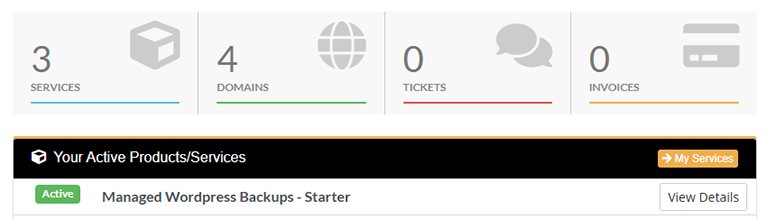
2. Click on the green "Upgrade" button and choose your new plan.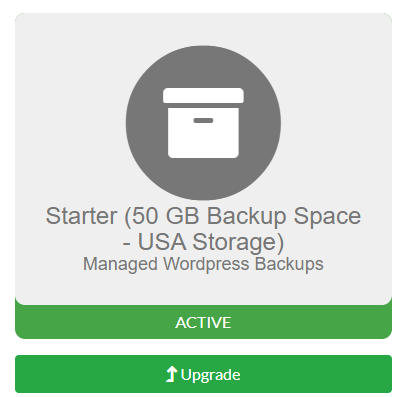
A member of our team will then increase your disk quota based on the new package that you have selected. Please allow 24 hours for your quota to be changed.