Note: This article only applies to customers using our Managed Wordpress Backups service
If you would like us to set up the Managed Wordpress Backup service on a new website, please follow the steps below.
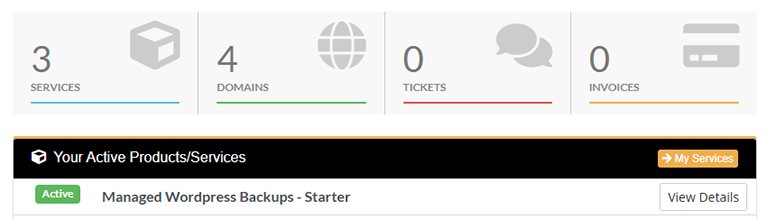
1. Log into your D9 Client area and click on the "View Details" button next to your Managed Wordpress Backup service.
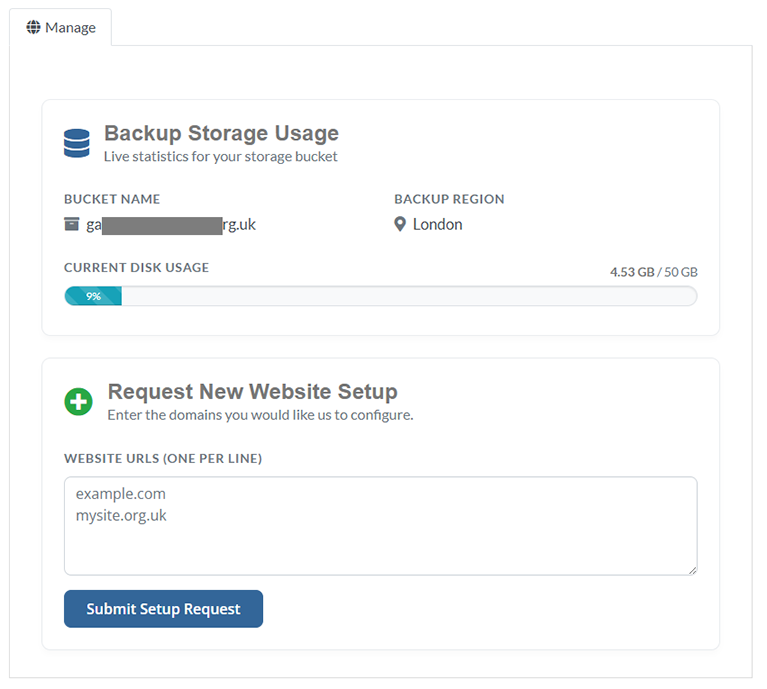
2. Scroll down the page and you will be able to see a section with the heading "Request New Website Setup". Enter a list of Wordpress websites (one per line) and click on submit. A member of our team will then take care of the initial setup for you and email you once this has been completed.